Four ways to play · what’s new is old again

Take it. It’s yours. It always was.

None of these are new. They’re the four ways photographers shared work over the last quarter century before each one was taken away, enshittified, or shut down. We put them back on one shelf. You pick the one you lost. You choose at install and you can’t toggle between them — they are very different animals — so choose wisely. The box opens for whoever wants it badly enough.

01 / ONE IMAGE

SMACKONEOUT

One image. One post. Yours.

The classic photoblog. One photograph, presented without a feed fighting it for attention. Add context when it earns its place; otherwise let the image speak. Chronological navigation, drafts, scheduling, EXIF, tags, categories, albums, collections, and downloads.

02 / THE GRID

GRAMOFSMACK

Got Zuck-fucked?

The three-across grid Instagram abandoned when it decided video paid better. Multi-image posts, carousels, panorama rows, cover selection, ordered grids, and phone publishing through an installable PWA or Pixelix. Get classic Insta back.

03 / LONGFORM

SMACKTALK

For photographers who write.

Writing with photographs inside it. Essays, field notes, journals, and stories that need more than a caption and seventeen hashtags. Headings, inline gallery images, covers, captions, and justified MOSAIC panels woven through the text.

04 / THE ALBUM

SMACKTHEMUP

Remember Picasa Web Albums?

We do, and we miss them. A simplified hybrid for sharing public photos with friends and family: a chronological classic-Insta feed, plus categories, albums, and collections, all published from the Photo Library in SNAP SLAPPER the way Picasa used to share. Runs GRAMOFSMACK skins.
Yours

Your domain. Your files. Your database.

A SnapSmack site is a folder of PHP on hosting you pay for, with a database you can open and photographs you can copy. There is no account with us. There is nothing we can switch off.

A real archive

Browse and reuse media, organise in bulk, arrange feeds and galleries, preserve original dates and metadata. The files and the database stay under your control.

Light Table

A full-screen browser workbench for sorting photographs into albums, categories, and collections by drag and drop.

Media gallery + web-copy editor

Visual archive browsing, bulk organisation, reusable image picking, plus non-destructive crop, rotate, brightness, contrast, and sharpening on the web copy. The original is never touched.

Albums, collections, pages

Date archives, curated albums and collections, static pages, blogrolls, shortcodes, slideshows, RSS, and downloadable originals.

Chronological. Always.

No algorithm decides who gets to see what. You publish it, it appears, in the order you chose.

Stats without the creep

Cookie-free visits, per-image views, referrers, bot filtering, local country resolution, feed engagement, and fleet-wide rollups. Nobody but you sees any of it.

Get in, get out

The door opens both ways.

Your old sites come with you, and everything you make here can leave again. Ownership includes the right to stop using SnapSmack.

Instagram in

THE UNZUCKER brings an Instagram export home with original dates, captions, hashtags, carousels, and grid order intact.

Flickr in

FLKR FCKR imports a Flickr archive with photographs, titles, descriptions, tags, upload dates, views, comments, and likes preserved.

WordPress in

SMACKPRESS moves a WordPress photo blog into SMACKTALK one post at a time, with a review step for each.

Blogger in

BLOGGER FLOGGER brings an old Blogger site — posts, pages, comments, photos — into SMACKTALK from a Google Takeout. On the drawing board.

Everything out

Export the whole site as a complete, understandable local copy of your photographs and portable data. No hostage situation.

Dates survive

Imports keep the date the photograph was actually taken and posted, so a fifteen-year archive still reads as fifteen years, not “imported last Tuesday.”

Not alone

The ship has sailed on the lonely blog.

Discoverability isn’t optional anymore. You need social — the right social, where you own your art and set the terms. So SnapSmack comes with a small, quiet network of photographers built in, and the wider fediverse one switch away: the part of Flickr that mattered, without the landlord.

photoblogs.fyi

A shared front door for finding independent photography sites, and a reader for following them, without making any of those sites depend on it.

PHOTOFRI.DAY

A weekly one-word photo challenge. Shoot the prompt wherever you already publish, tag it, and it shows up with everyone else’s.

Readers follow you anywhere

People on Mastodon, Pixelfed, and the rest of the fediverse can discover, follow, like, boost, and reply to your work while the original stays on your site. Turn it off and your site is entirely its own thing.

Local community

Accounts, comments, reactions, follows, direct messages, moderation queues, keyword controls, and anti-spam filtering on your own site.

Cross-posting

Publish once on your domain and syndicate out. RSS and IndieWeb links included. The canonical copy is always yours.

Manners included

Federation also means consent, attribution, content warnings, and local norms. SnapSmack treats that culture as part of the feature, not an obstacle to growth-hack around.

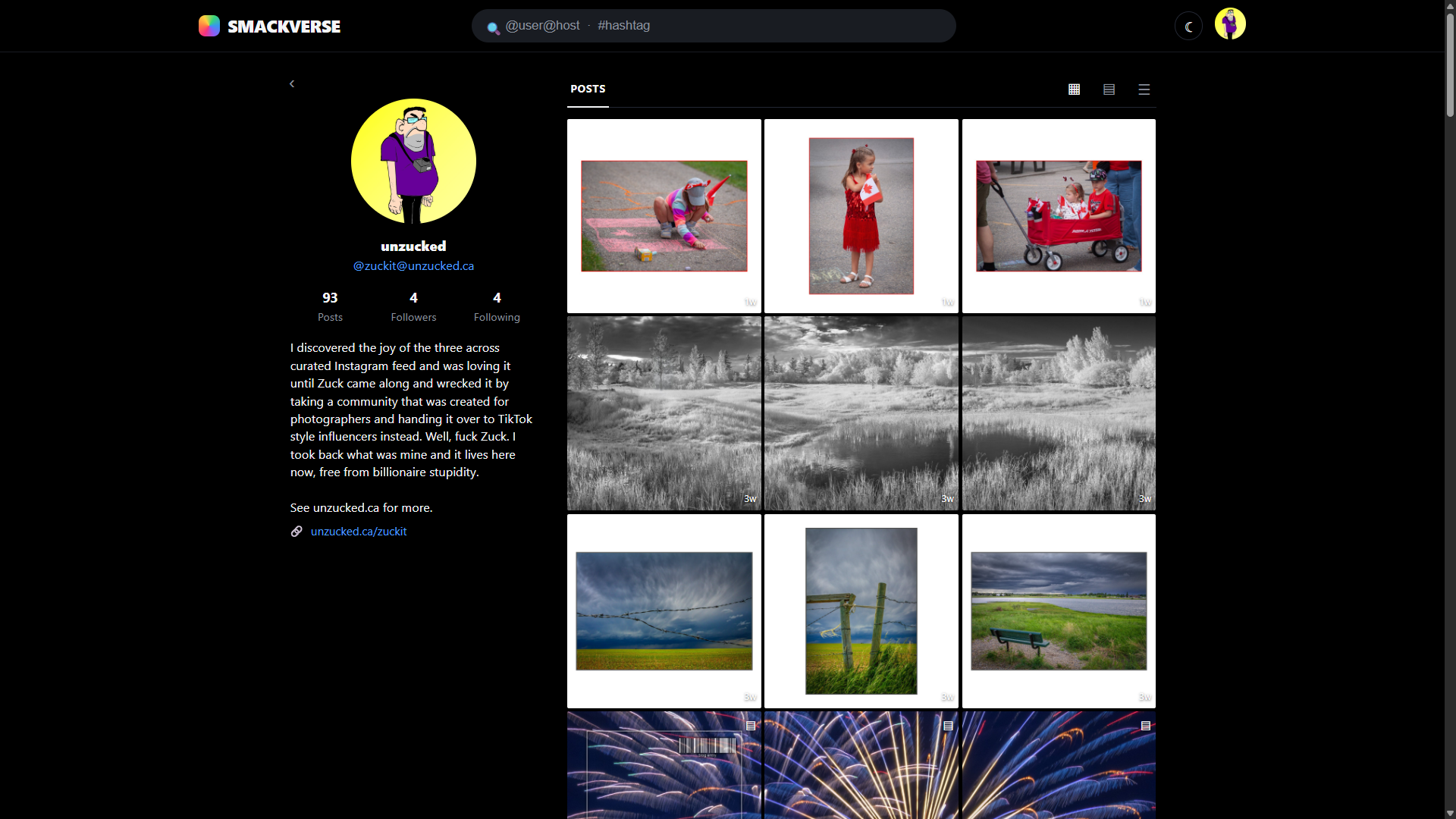
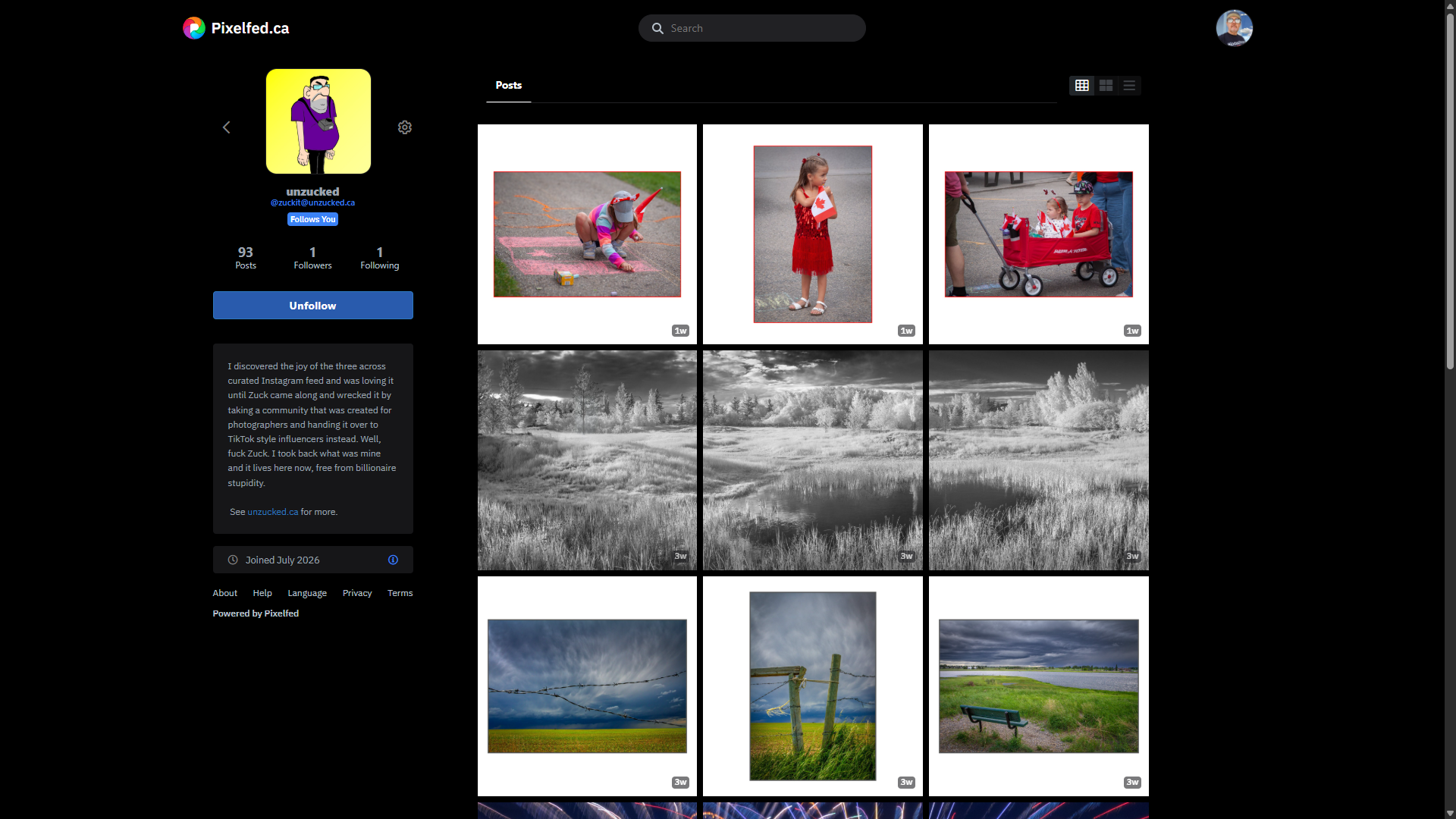
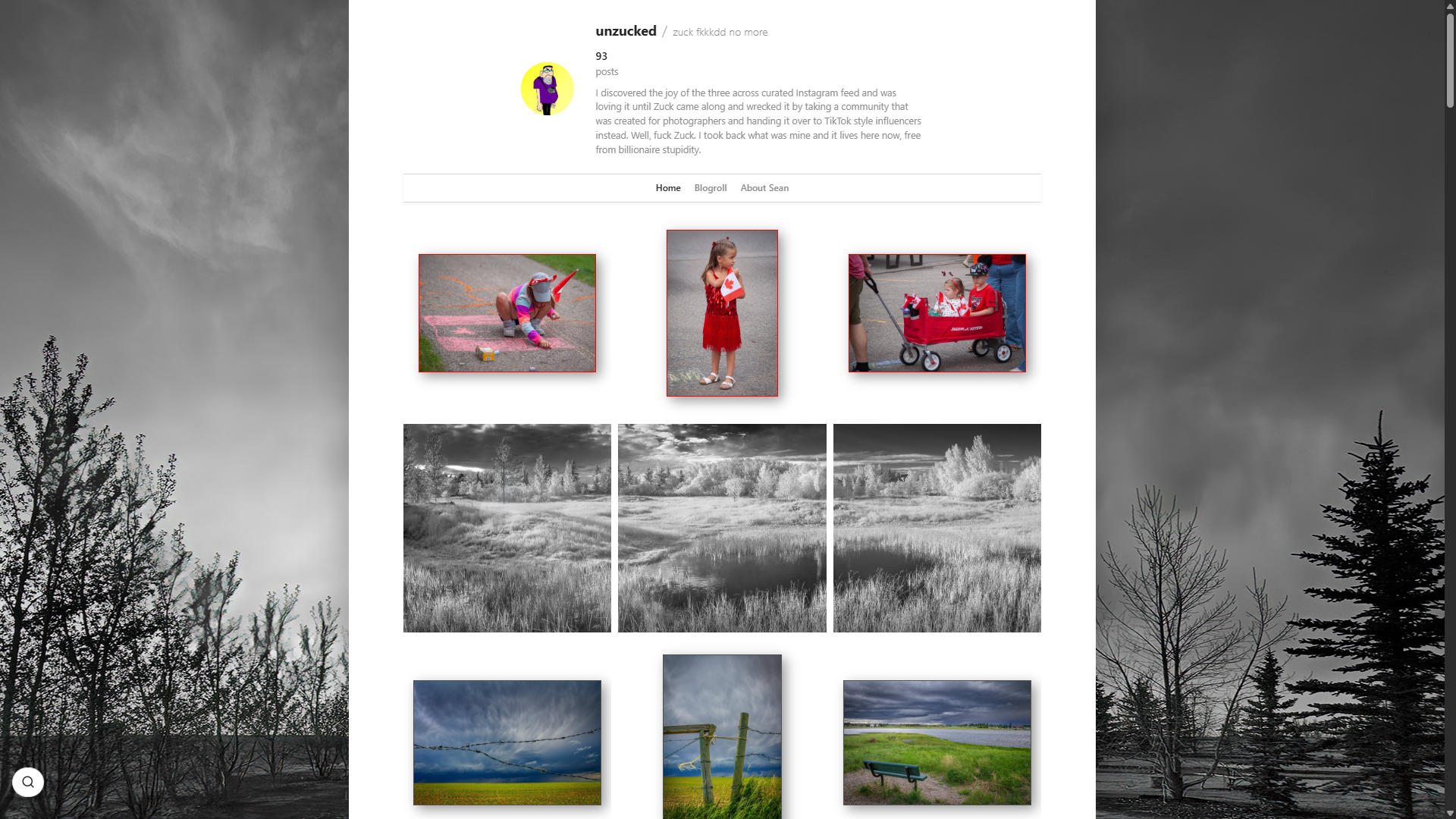
A photography profile on its own SnapSmack blog
Your blog
The same photography profile on the Fediverse
On the Fediverse
The same photography profile seen from Pixelfed
Seen from Pixelfed
Federation is the +1 that makes an independent blog work in the age of social.Your art never leaves your server. Ever.

Skins

One engine. No house style.

A SnapSmack skin is presentation plus a manifest, not a plugin. The manifest lists the layouts, controls, fonts, and effects the skin needs; the CMS supplies the reviewed engines. Fix an engine once and every skin gets the repair. Remove a skin and it leaves nothing behind.

  • Production skins with their own layout and appearance controls.
  • Colour, type, spacing, texture, and layout options without editing CSS.
  • Light and dark palettes, scoped settings, live calibration.
  • Skins cannot smuggle in their own JavaScript. Ever.
  • Lightboxes, moving walls, film effects, puzzles, and galleries all come from shared engines.
  • Skins ship and update through a registry, separately from the CMS.

Desktop suite

The website is home. The desktop does the heavy lifting.

Free Windows and Linux tools handle editing, batch publishing, library sorting, migration, backup, auditing, and recovery on your own computer — without turning your archive into cloud bait.

Edit

SNAP SLAPPER: a real non-destructive photo editor and library, with LEWKS and LEWK AGAIN.

Compose offline

COLD SNAP: write posts and build BIGGIE photo essays with no connection, sync when it returns.

Sort the archive

GET YOUR SHIT SORTED: an offline sorter for a whole blog — titles, captions, alt text, order, carousels.

Run the fleet

SNAP HQ: launch the suite, discover your sites, share protected profiles and prompts between tools.

Locked down

Security that admits the internet exists.

Eight independent layers, from the comment box to the software supply chain. Public audits. Same-day disclosure. And no remote control — nobody but you can touch your site.

1 · Local

Smack Dab

Fingerprint bans, hashed identities, keyword rules and Akismet on every comment box. No tracking, no stored personal data.

2 · Your network

Smack Down

Ban a troll on one site and the hashed ban propagates across your whole fleet.

3 · The community

Smack Up

Opt-in reputation across participating blogs. Old incidents decay; the community can correct.

4 · The network

Smackattack

Central threat scores, but every blog keeps its own thresholds and its own ban decisions.

5 · Evasion

Gobsmacked

Stylometric detection of banned harassers who come back with a new device, address, and email.

6 · Your install

Smackback

File-integrity monitoring. A file changes that nobody signed, the site locks itself down and asks its owner. Fleet-wide alert if several sites are hit.

7 · The admin

IP Smacker

Private login route, scanner rejection, aggressive failed-login bans, mandatory 2FA, and a printed break-glass recovery card.

8 · The software

Snap Decision

Signed releases, published checksums, signed git tags, reviewed dependencies, verified updates with rollback.

AI inside

The intern, not the boss.

Optional AI assistance, disclosed, under your control, and never required. Five providers — Claude, ChatGPT, Gemini, Kimi, Deepseek — with your own key, so the bill and the data relationship are yours.

Captions, alt text, tags

Look at the photograph, draft the words. You edit, you approve, you publish. Filename and your per-site prompt go along so it sounds like you, not like a press release.

LEWK AGAIN

Describe the look you want; the editor builds the LEWK as adjustable steps you can see and change. No more buying action packs from YouTube.

Skin designer

Oh Snap! lets you describe and preview a skin visually, then push it to a live site.

One prompt per site

Tell your site once how you want to sound and every tool that writes for it — batch publisher, sorter, composer, CMS — uses the same voice.

Cheap to run

Shared hosting. Upload. Go.

PHP and MySQL on ordinary shared hosting. No Docker, no Node, no build step, no monthly platform bill. The heavy work happens on your own computer, not your hosting account.

Guided install

Installer, canonical schema sync, maintenance mode, and contextual built-in help on every admin page.

Signed updates

Cryptographically verified updates with rollback. Skins update separately through the registry.

Several sites, one desk

Hub-and-spoke multisite: SSO drill-through, aggregated stats and comments, cross-posting, fleet backups, fleet updates, automatic My Blogs blogrolls.

Support inside the admin

The support forum lives behind your authenticated login, not at a public URL for bots and drive-by spam.

SEO + crawler policy

Sitemaps, Open Graph, structured metadata, IndieWeb links, configurable robots and AI-training policy, llms.txt, security.txt.

Small footprint

Pages fold and page. Images are sized once, on your machine. A twenty-year archive doesn’t need a twenty-dollar server.

Free means free. No subscription, premium tier, advertising network, or hostage situation. The CMS, the skins, and the desktop suite. Read the licence.