
← BOX O’ TRICKS! · the desktop suite
Windows / LinuxShipping
FLKR FCKR
Twenty years of Flickr, moved without resetting the clock. Titles, descriptions, tags, dates, views, comments, and faves all come along.
What it isFlickr importer
InputThe Flickr data download
KeepsDates, titles, descriptions, tags, views, comments, faves
Pairs withThe SLICKR skin
What it does for your site
Flickr was the photographers’ place, and a lot of us have a decade or two there. Its data download is thorough but scattered across hundreds of JSON files. FLKR FCKR reads the lot, matches every photograph to its metadata, and rebuilds the archive on your site with its history intact — including the view counts, comments, and faves you earned.
How it works
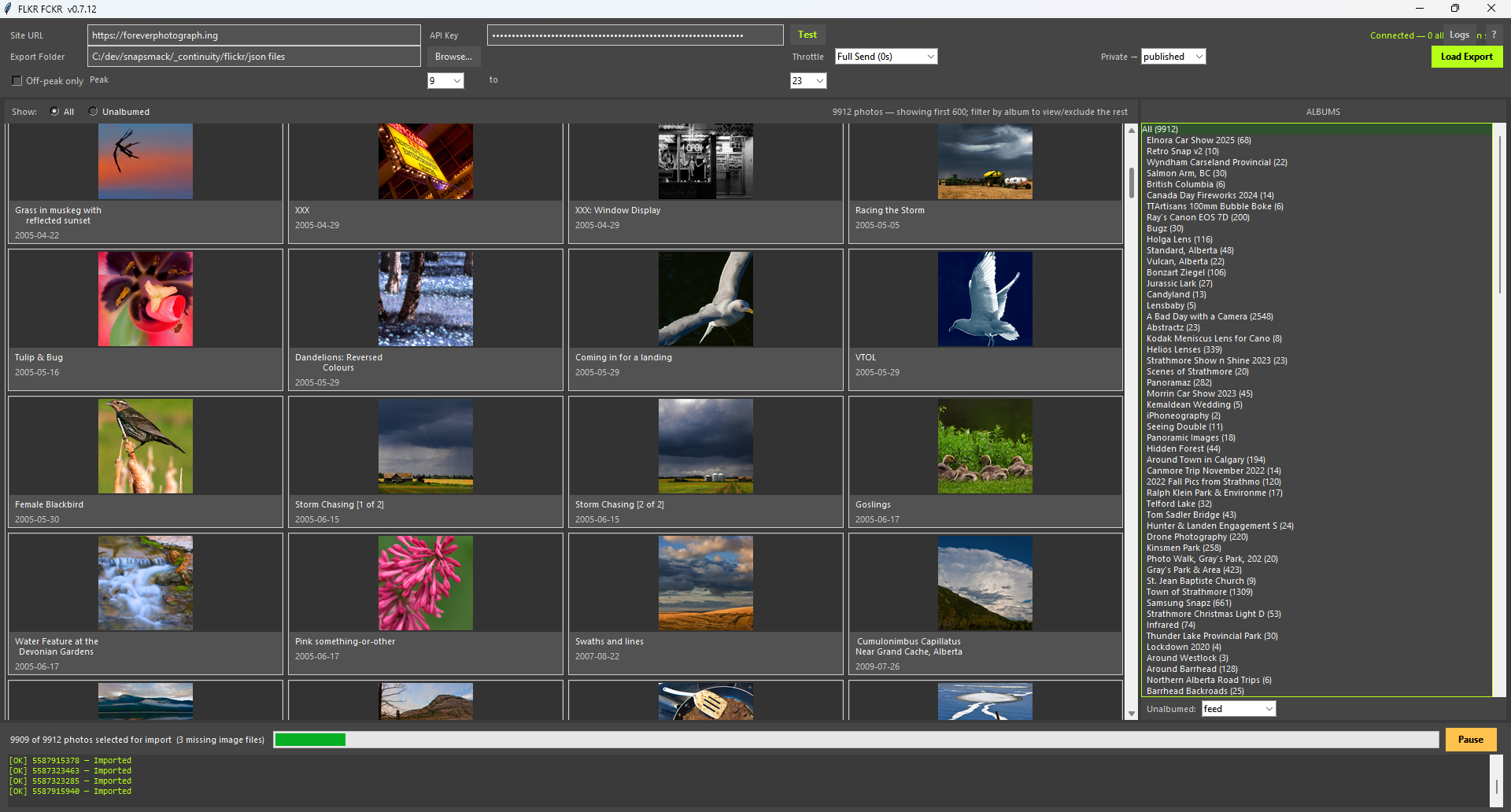
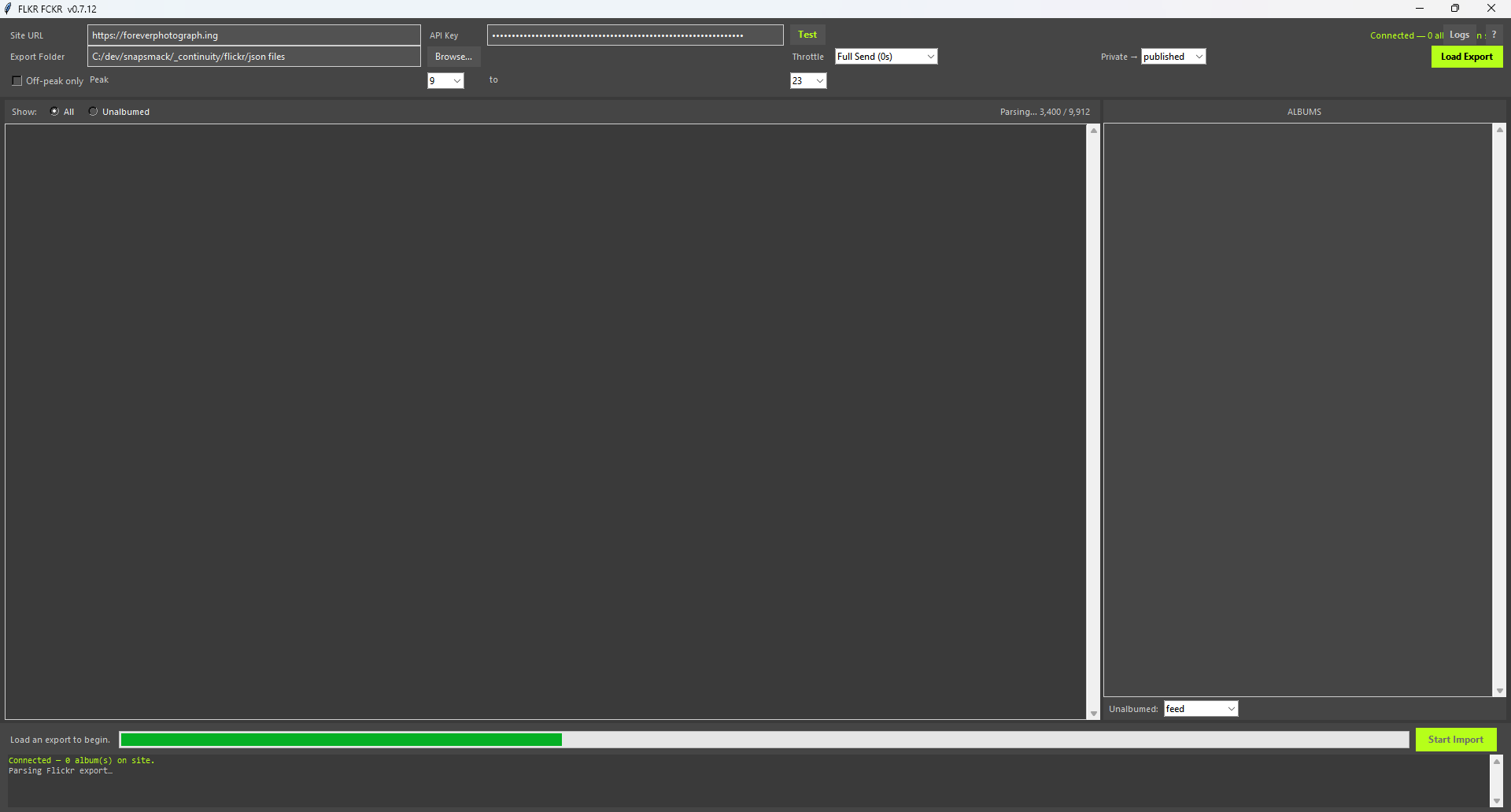
- Request your data from Flickr. It arrives as several zips. Point FLKR FCKR at the folder.
- It matches photographs to their sidecar metadata, including the ones Flickr renamed on the way out.
- Review the inventory: what matched, what didn’t, what you want to skip.
- Import. Checkpointed, so a two-day transfer that dies on hour nineteen resumes at hour nineteen.
The rules it follows
- The date the photograph was taken is the date it gets. Where Flickr’s date and the EXIF date disagree, you choose which wins.
- Comments and faves are preserved as engagement on the post, not discarded as “someone else’s data.”
- Pair it with the SLICKR skin when familiarity is part of the plan. It looks like where you came from, on a domain you own.
Keep going