
← BOX O’ TRICKS! · the desktop suite
WindowsClosed beta
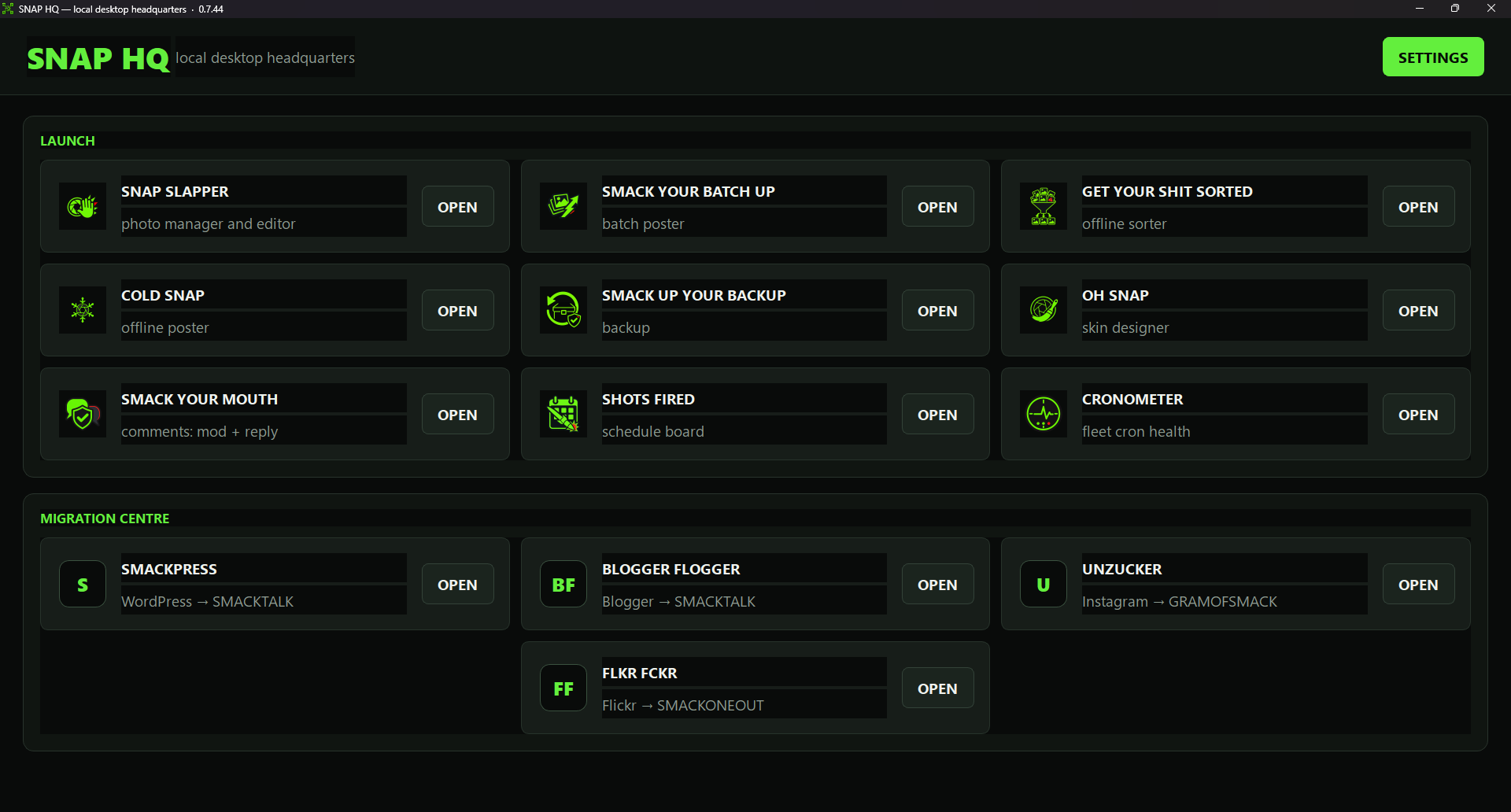
SNAP HQ
One place to launch the suite, find your sites, and keep the profiles, keys, and prompts every tool needs.
What it isSuite launcher + shared setup
DiscoversEvery site in your fleet
SharesProfiles, protected credentials, libraries, prompts
DevicesEd25519 device authorisation, four-device cap
What it does for your site
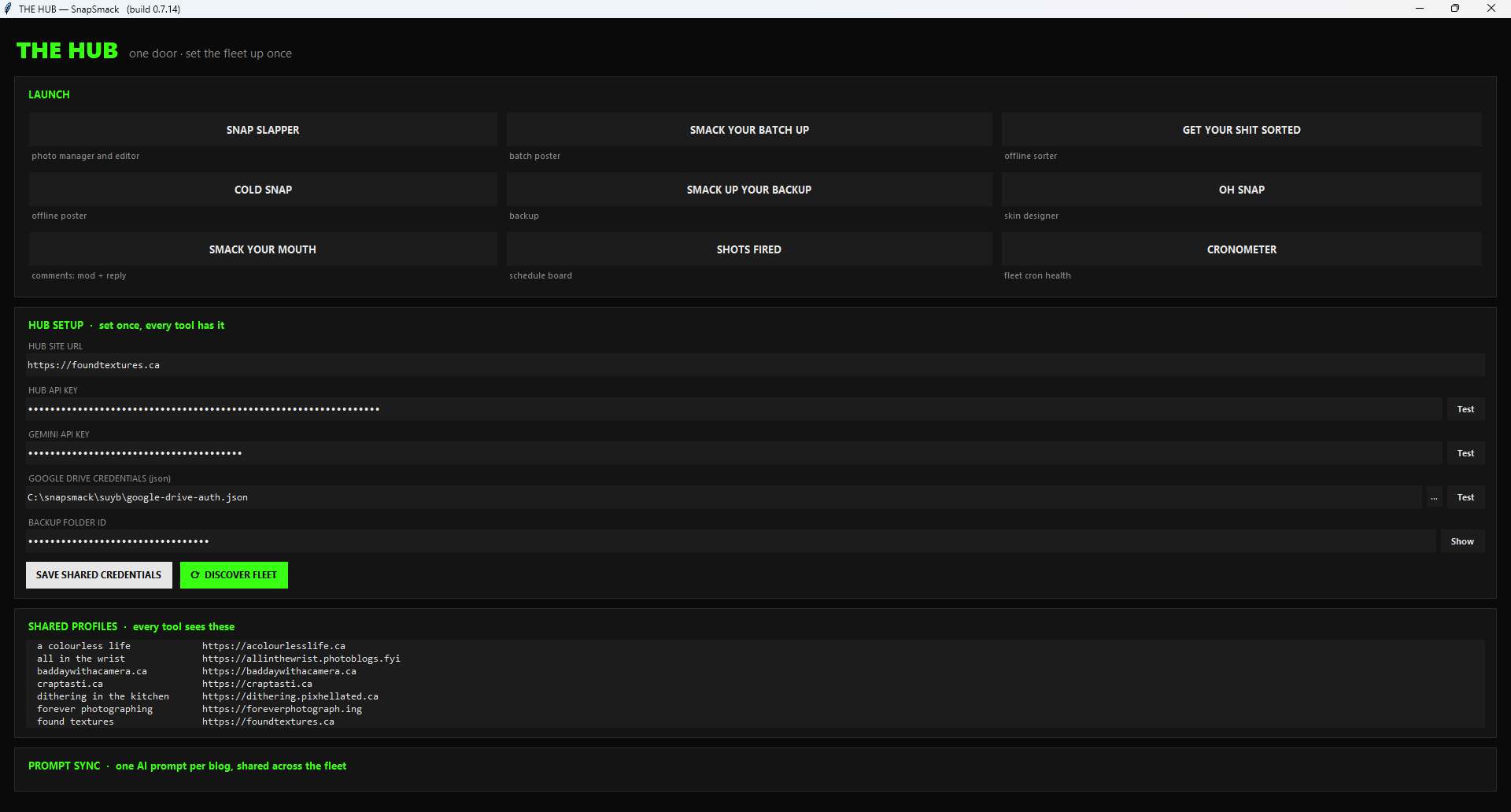
Six desktop tools that each want your site’s address, an API key, an AI key, and a prompt is five too many places to type them. SNAP HQ holds that once, in a protected local vault, and hands it to whichever tool you launch. Add a site in one place; every tool knows it.
How it works
- Install SNAP HQ. Authorise the device — a signed entitlement, up to four devices per owner.
- Add your sites, or let it discover the fleet from your hub.
- Launch SNAP SLAPPER, COLD SNAP, SMACK YOUR BATCH UP, GET YOUR SHIT SORTED, SMACK UP YOUR BACKUP, and the importers from one window. Updates to the tools arrive through it.
- Set your per-site AI prompt once. Every tool that writes for that site uses it.
The rules it follows
- Credentials live in the vault, encrypted, and are never written to the tools’ config files in the clear.
- A wrong-site push is the failure the suite guards hardest against. Profiles are named, shown, and confirmed.
- Uninstall it and the tools still run; you just type more.
Keep going